

Description
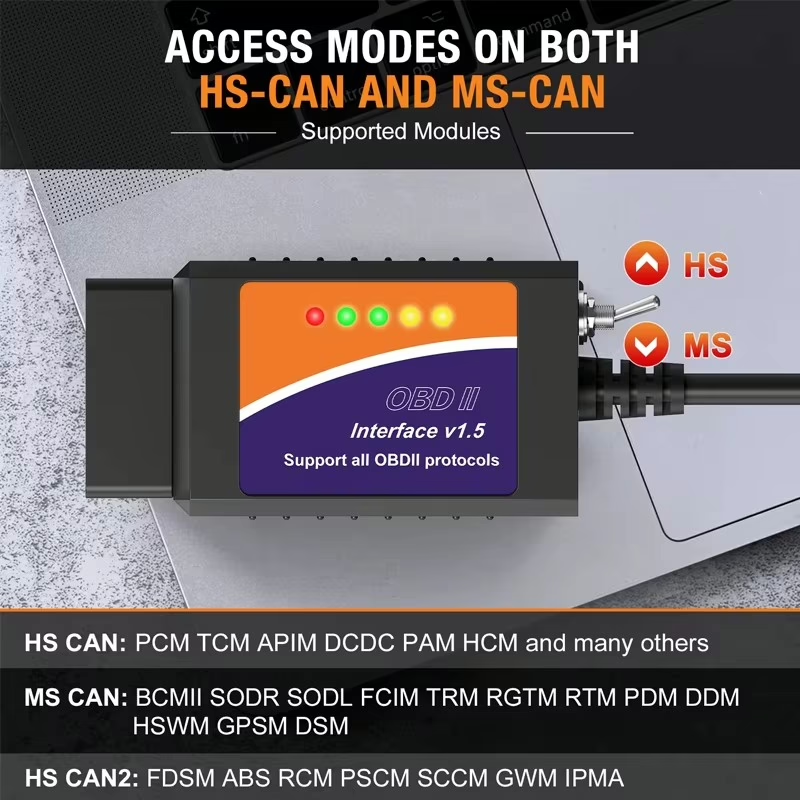
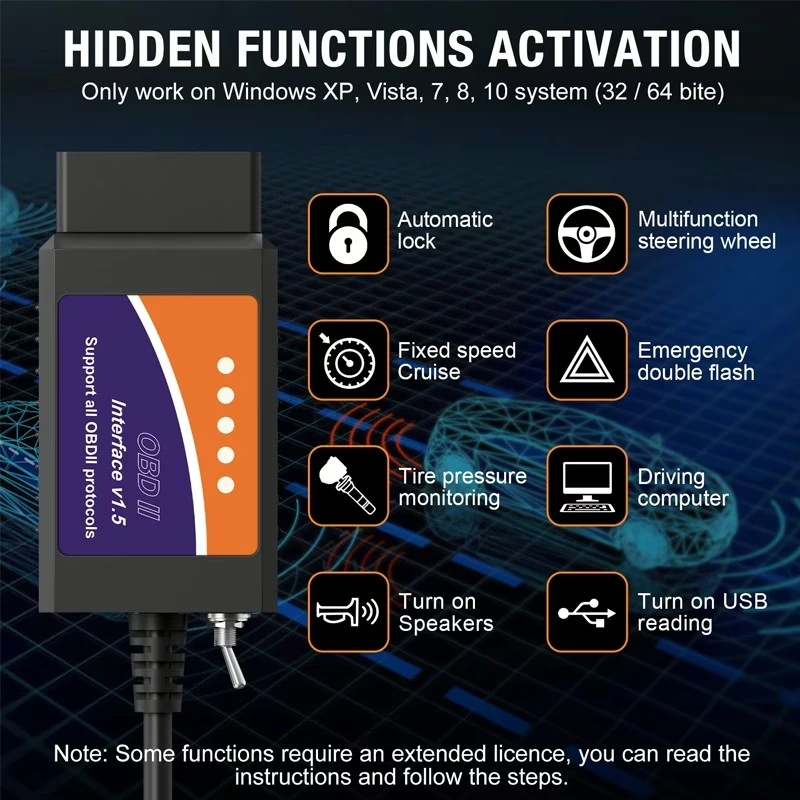
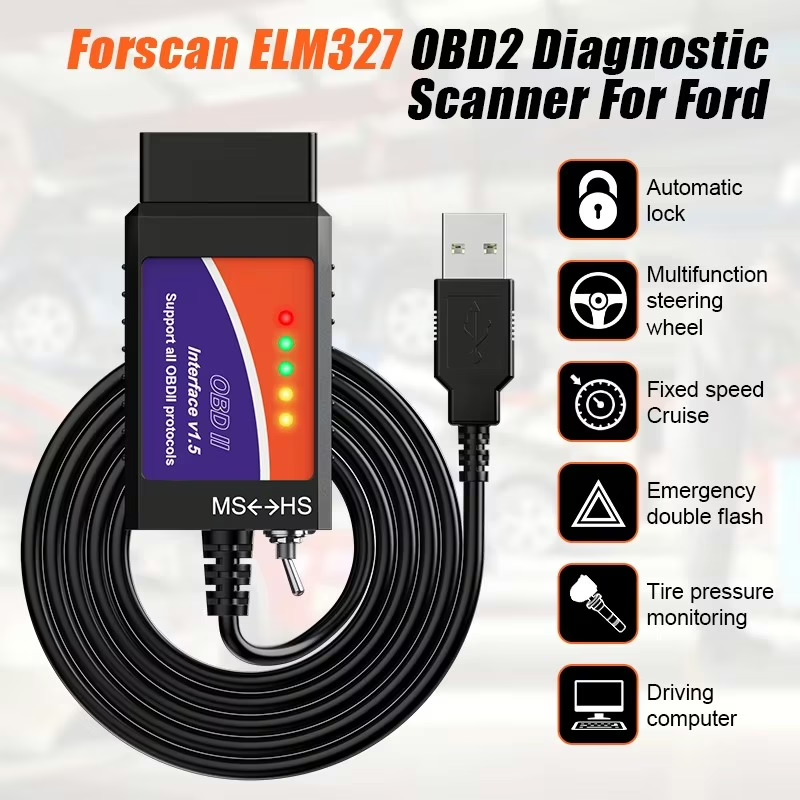
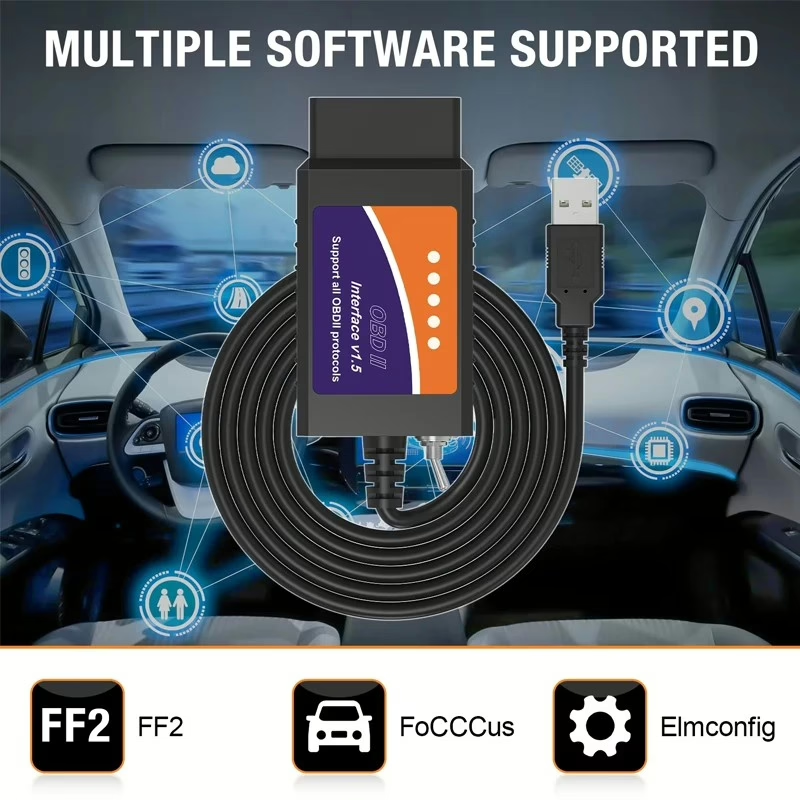
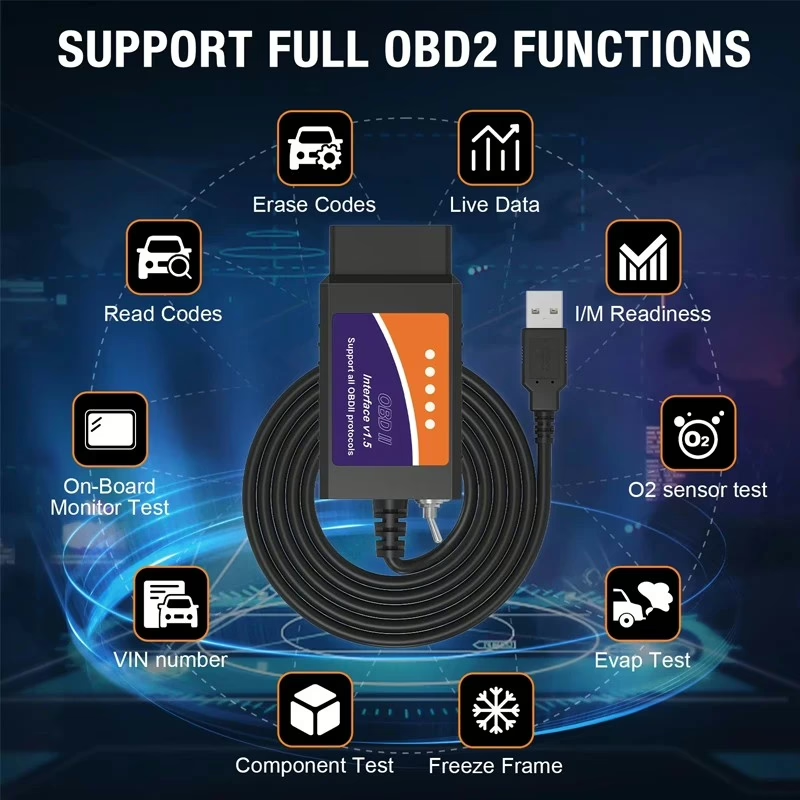
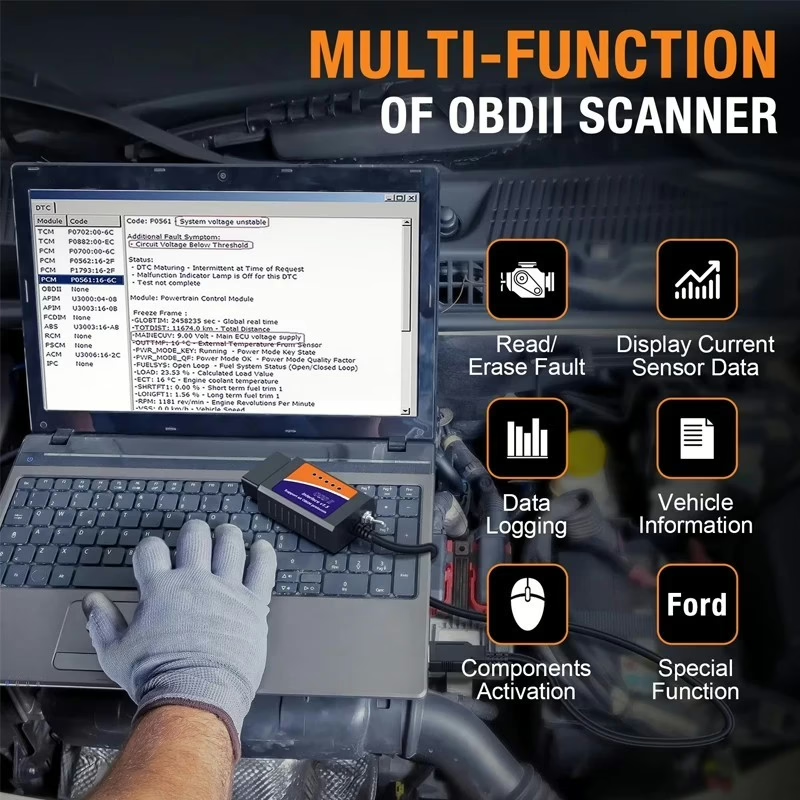
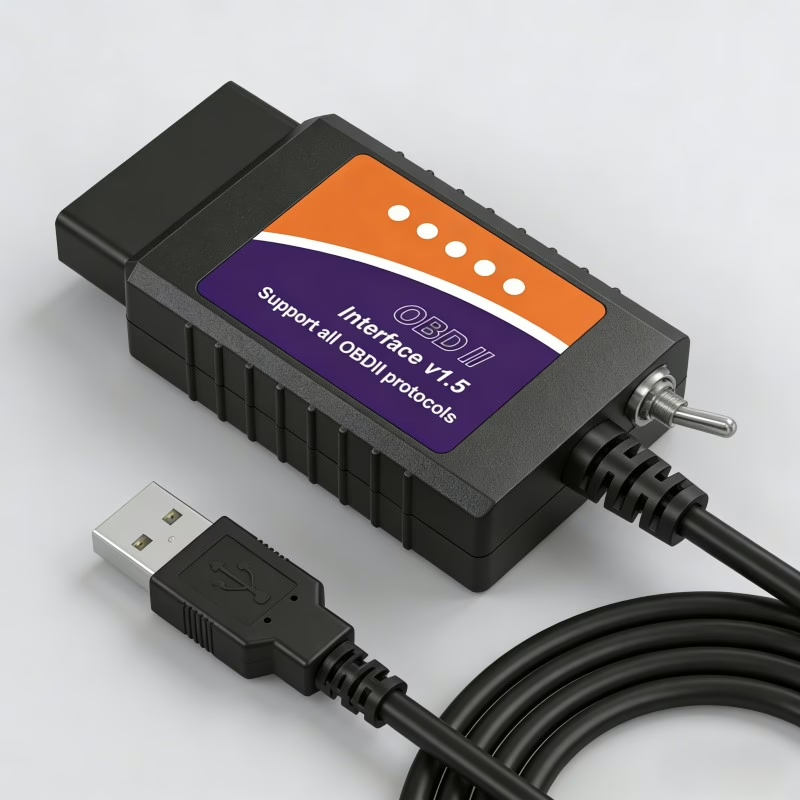
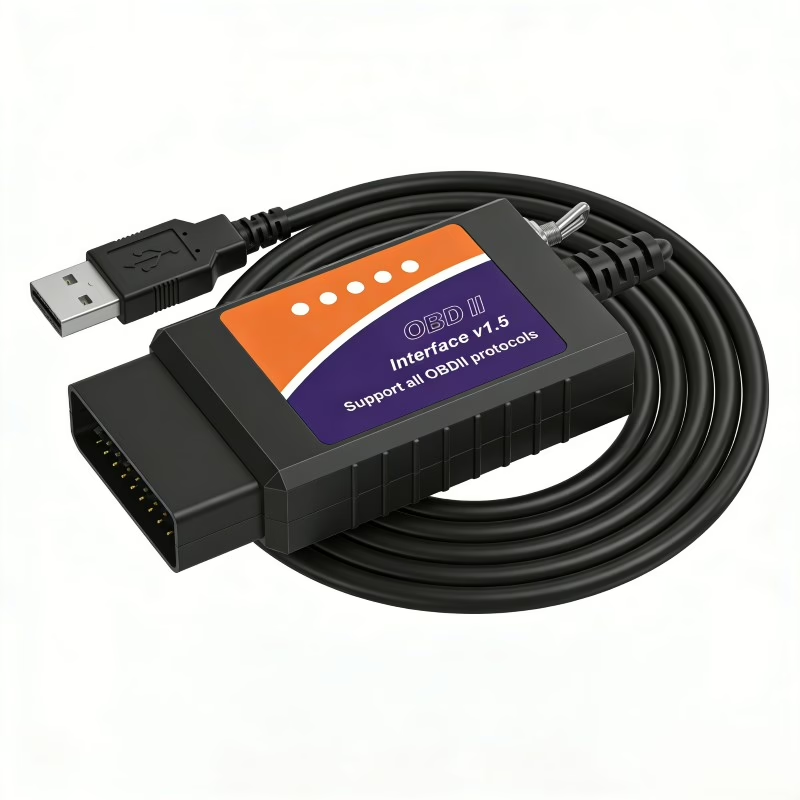
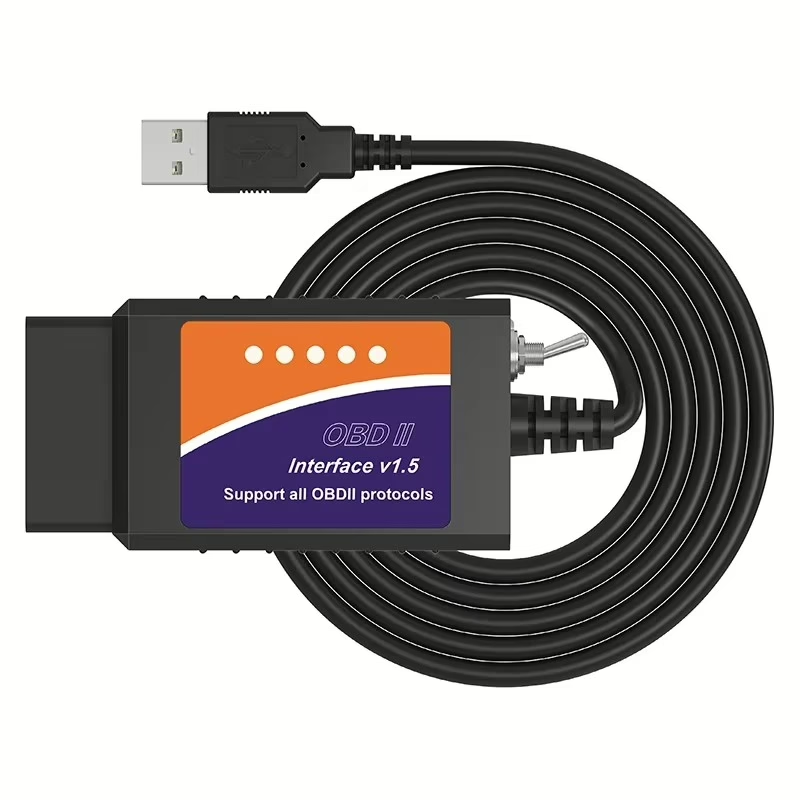
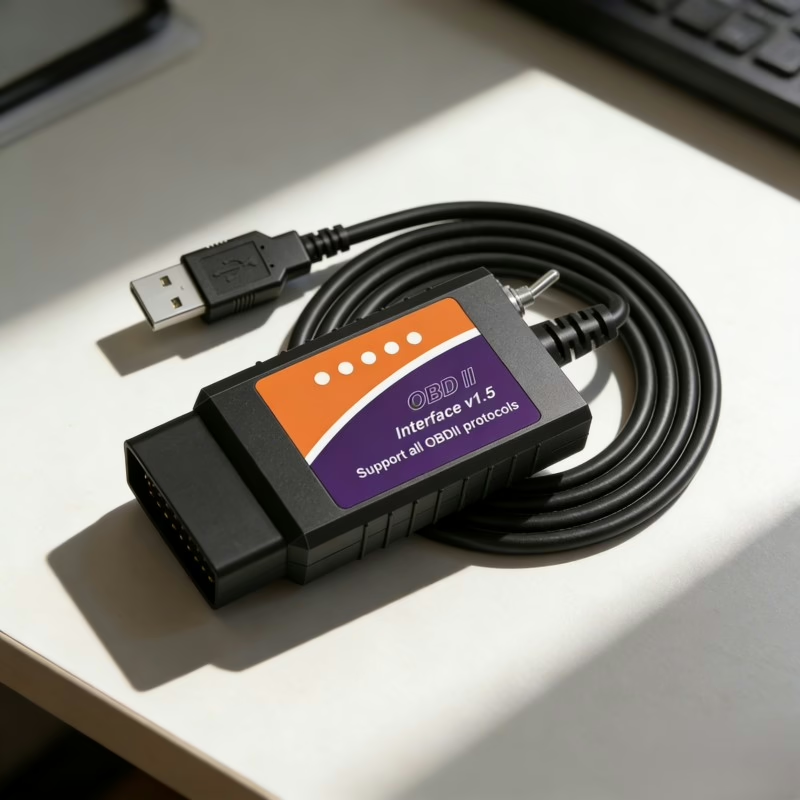
This is not a generic OBD2 reader. It’s a dedicated USB adapter with a HS‑CAN / MS‑CAN toggle switch, built on the ELM327 V1.5 chipset (PIC18F25K80), designed specifically for coding, module configuration, and accessing hidden features in Ford, Mazda, Lincoln, and Mercury vehicles using FORScan and other advanced diagnostic software.
Important Notes Before Use
- No CD or USB driver included – please follow the User Manual for download links.
- Install the CH340 USB driver as Administrator on your Windows computer.
- Windows only – does not work with smartphones or tablets.
- First connection: switch the toggle to HS‑CAN.
- Not compatible with 2019+ Mazda 3 and CX‑30 models.
What Makes This Scanner Different?
- Built for Ford-family vehicles – enables programming, module coding, and hidden feature activation on 12V Ford, Mazda, Lincoln, and Mercury cars/light trucks (e.g., F‑150).
- HS‑CAN / MS‑CAN switch – lets you connect to different CAN buses in the vehicle, required for accessing all modules.
- Unlock hidden features – such as speed reminder, one‑touch sunroof, tire pressure monitoring (TPMS), automatic headlights/wipers, emergency brake flashing lights, and more.
- Works with professional software – fully compatible with FORScan, ELMConfig, FF2, FoCCCus, and ScanMaster.
System & Vehicle Compatibility
- OS: Windows XP / 7 / 8 / 10 (x86 architecture only, ARM not supported).
- Vehicles: Ford, Mazda, Lincoln, Mercury models (approx. 99% of 2000+ models, 92% of 1996+ models). Excludes 2019+ Mazda 3 and CX‑30.
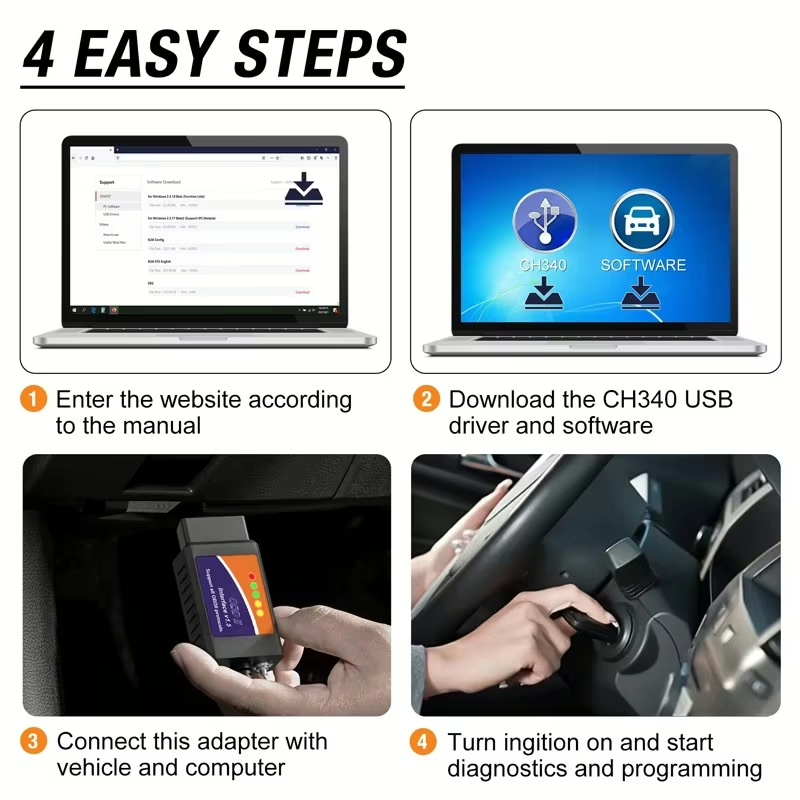
How to Start (Quick Setup)
- Download the CH340 USB driver and FORScan software.
- Install the driver (as Administrator) and FORScan.
- Plug the scanner into your car’s OBD2 port. Toggle switch to HS‑CAN on first use.
- Turn the ignition ON and click “Connect” in FORScan.
Reviews
There are no reviews yet.